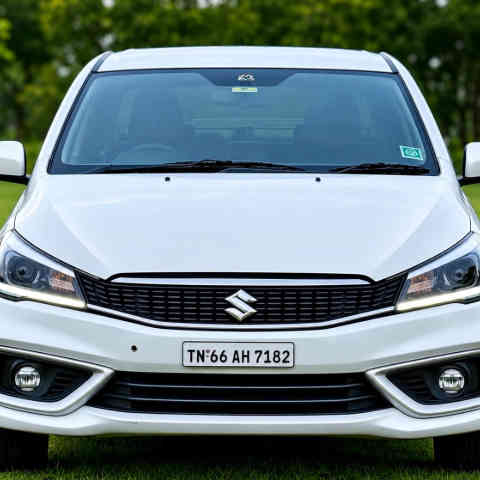
 23 Nov 2026
Maruti Suzuki 2021
₹7.4 Lakh
2021 Model - 1,11,000 km
உங்கள் மனம் விரும்பிய வண்டிகள் நேரடி ஓனர்களிடம் இருந்து
120 vehicles for sale right now
23 Nov 2026₹7.4 Lakh
2021 Model - 1,11,000 km
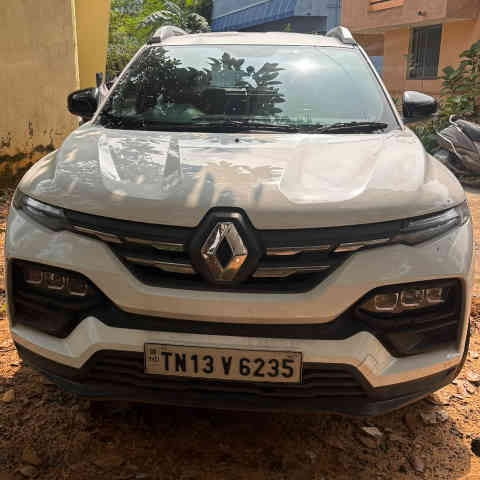 20 Nov 2026
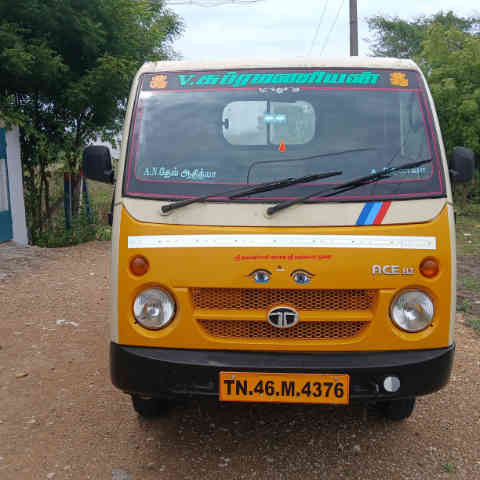 20 Nov 2026
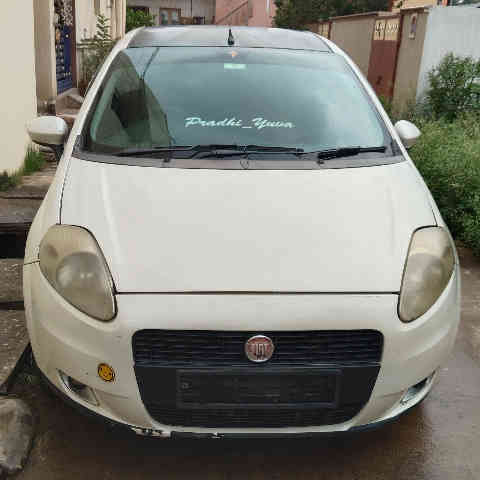 19 Nov 2026
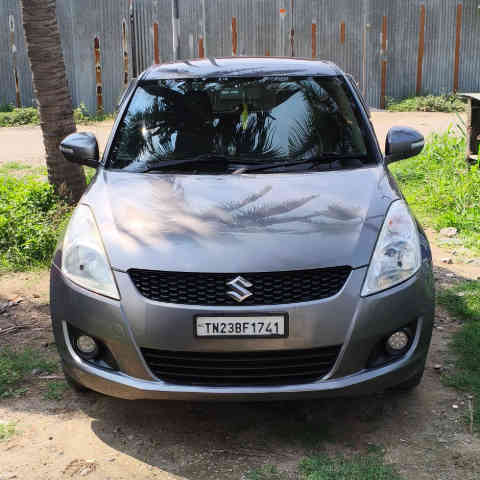 19 Nov 2026
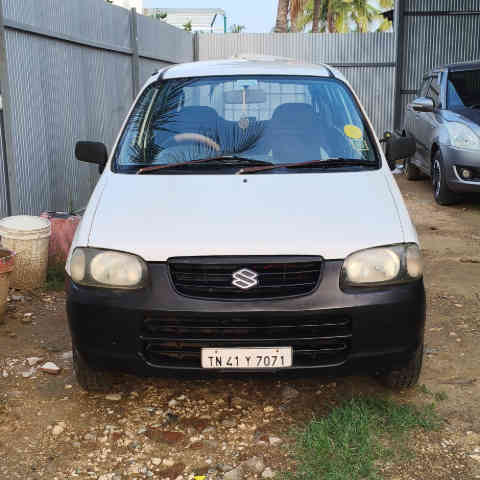 19 Nov 2026
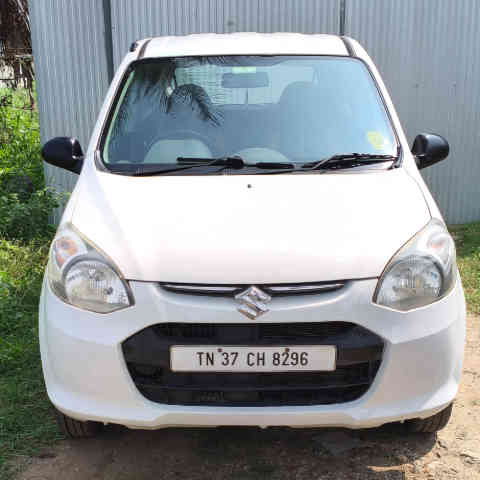 19 Nov 2026
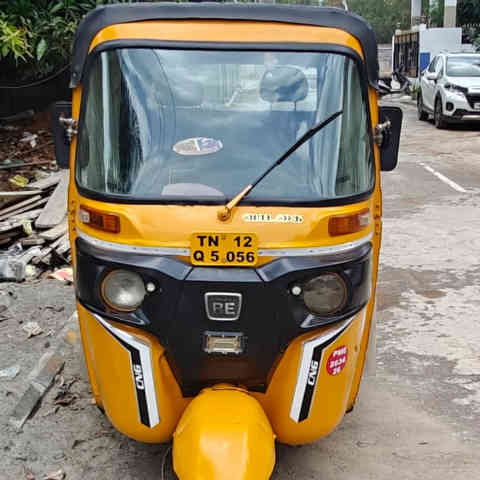 15 Nov 2026
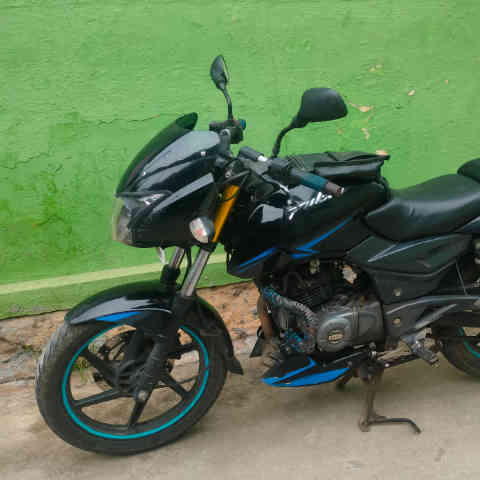 15 Nov 2026
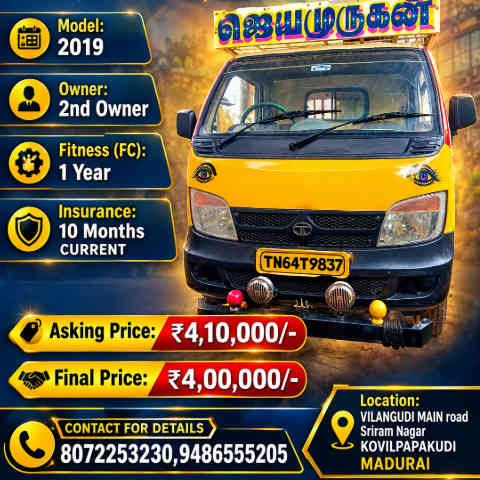 12 Nov 2026
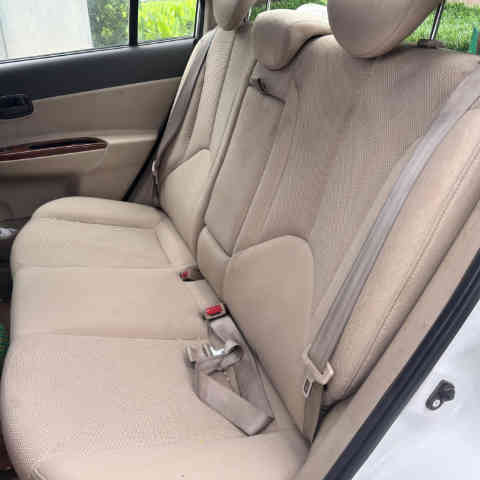 12 Nov 2026
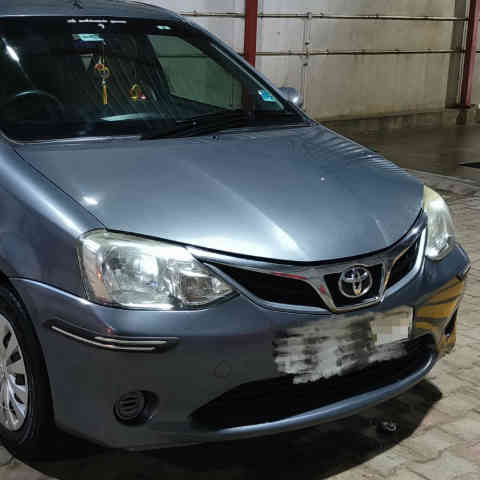 10 Nov 2026
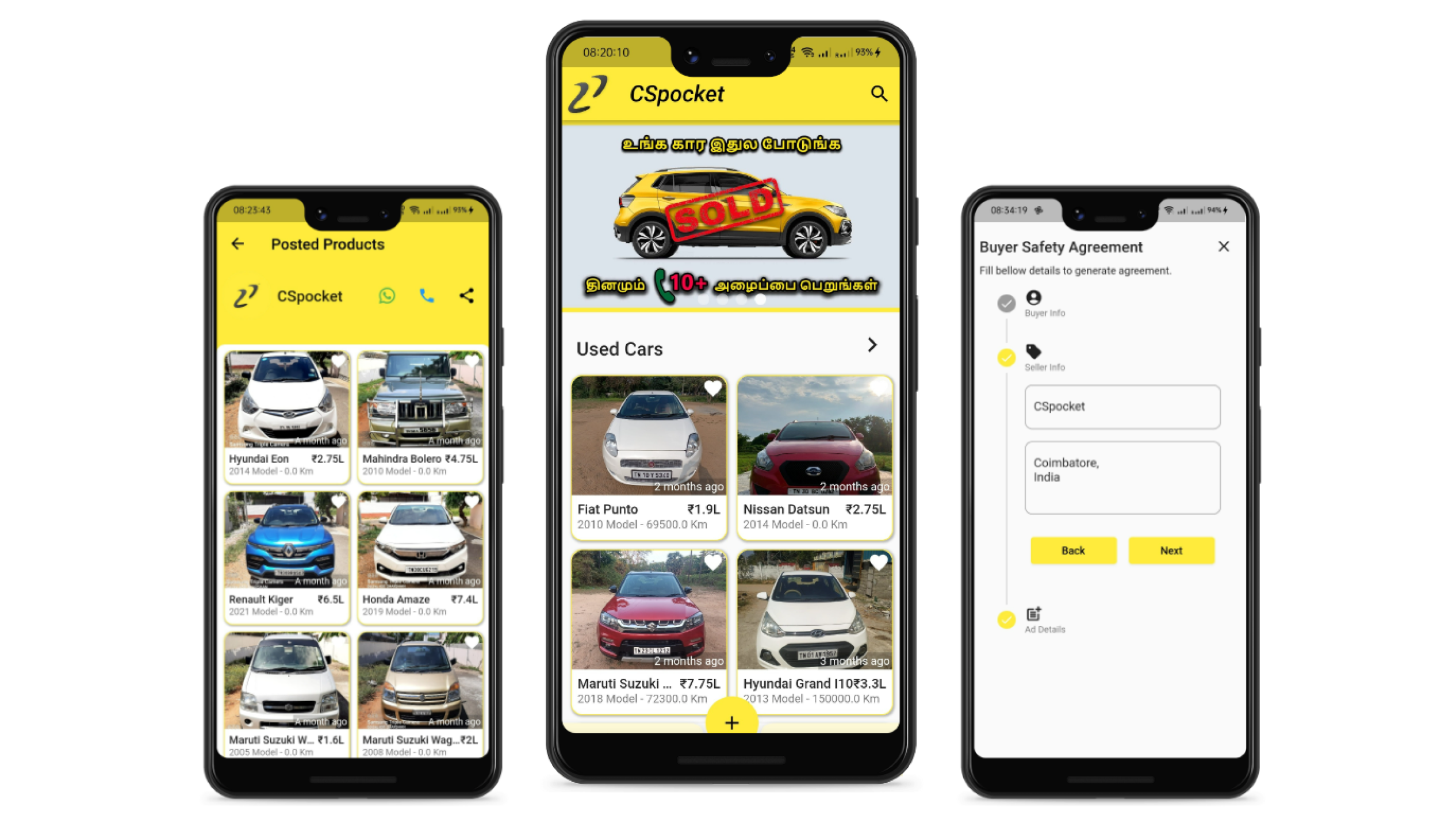
Buy your dream vehicle from direct owners. Browse here, then call sellers, ask questions and post your own ads in the app.


Scan with your phone camera
Search ads by city, brand, price and year, right here or in the app.
Install CSpocket on Android or iPhone and sign in.
Call, WhatsApp or ask a question. Meet, inspect the vehicle and check its papers.
No. You can browse every ad on this website without an account. To call, WhatsApp or ask a seller a question, install the CSpocket app and sign in.
Individual owners and dealers post their own ads from the app. Each ad shows whether it's from an owner or a dealer, and KYC-verified sellers are marked in the app.
Numbers are only shown in the app, to protect sellers from spam calls and scraping. In the app you can call or WhatsApp them in one tap.
Download the CSpocket app, sign in, tap Post Ad and add photos, price and details. Your ad appears in the app once it is uploaded, and on this website within a few hours.
Looking for software development? See CSpocket software services.